
Blog / Invoicing Guides
Invoice vs Receipt: What's the Difference?
Invoice vs receipt: learn the difference, when to send each, what each should include, and how to handle deposits and partial payments clearly.
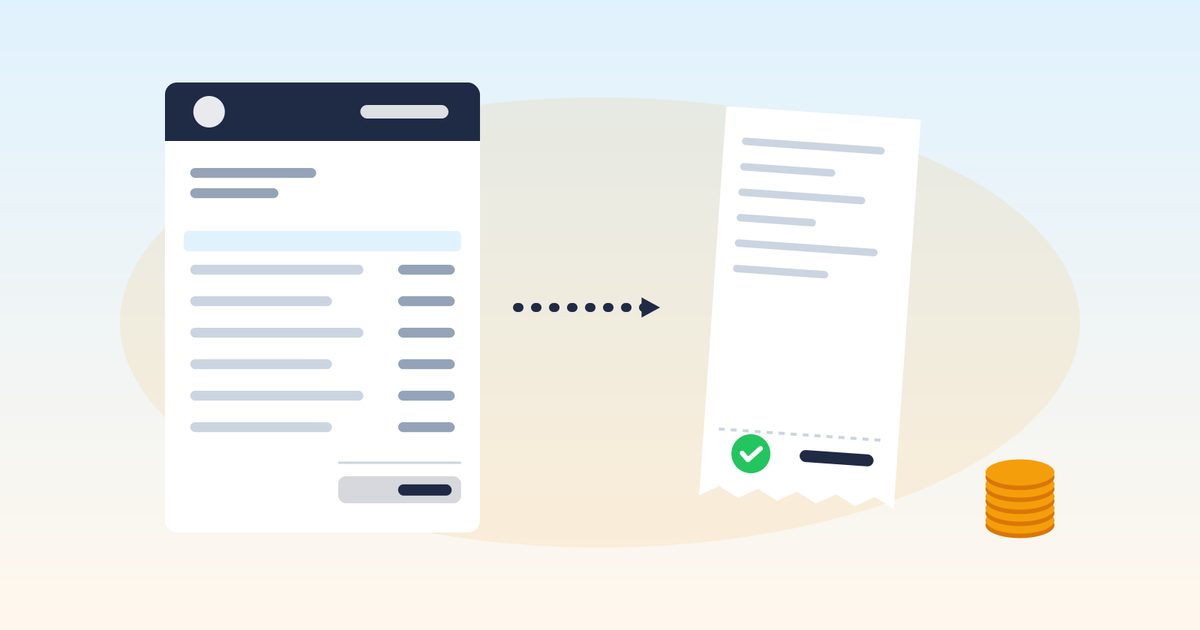
An invoice and a receipt both list what a customer bought and how much it cost, so they're easy to mix up. But they do opposite jobs. An invoice asks for payment. A receipt proves payment happened. Sending the wrong one, or not sending a receipt at all, can confuse customers, slow down payment, and leave gaps in your records.
This guide explains the difference between an invoice and a receipt, when to send each, what each should include, and how they fit together on jobs with deposits and partial payments.
The short answer
- Invoice: a request for payment, sent before the customer pays. It shows what's owed and when it's due.
- Receipt: proof of payment, given after the customer pays. It shows what was paid, when, and how.
| Invoice | Receipt | |
|---|---|---|
| Purpose | Request payment | Confirm payment |
| Timing | Before payment | After payment |
| Shows | Amount due, due date, terms | Amount paid, date paid, method |
| Status | Unpaid or partly paid | Paid (fully or for that amount) |
| Who mainly relies on it | Customer, to know what to pay | Customer, as proof they paid |
| In your records | Supports income billed | Supports income received |
What is an invoice?
An invoice is the bill you send after work is done (or at a project milestone). It itemizes labor, materials, and fees, and states the total, the due date, and how to pay. Trade-specific examples: electrician, HVAC, handyman.
An invoice typically includes:
- Your business name, contact details, and license number
- Customer name and job address
- Invoice number, invoice date, and due date
- Itemized line items
- Subtotal, tax, and total
- Payments already received and balance due
- Payment terms and accepted methods (see Invoice Payment Terms Explained)
What is a receipt?
A receipt confirms you received money. It can be a separate document or a paid invoice marked "Paid" with the payment details.
A receipt typically includes:
- Your business name and contact details
- Receipt number (or the invoice number it applies to)
- Date of payment
- Amount paid
- Payment method (cash, check number, bank transfer, card)
- What it was for (invoice number or a short description)
- Remaining balance, if it was a partial payment
When to send each
Send an invoice when:
- The job or milestone is complete
- You're requesting a deposit (a deposit invoice)
- A billing period ends on recurring work
Give a receipt when:
- A customer pays cash (always; cash leaves no other paper trail)
- A customer pays a deposit or partial payment
- A customer asks for proof of payment for their records, a landlord, an insurer, or a warranty claim
- A customer pays in full and you want to close out the job cleanly
Deposits: invoice first, receipt second
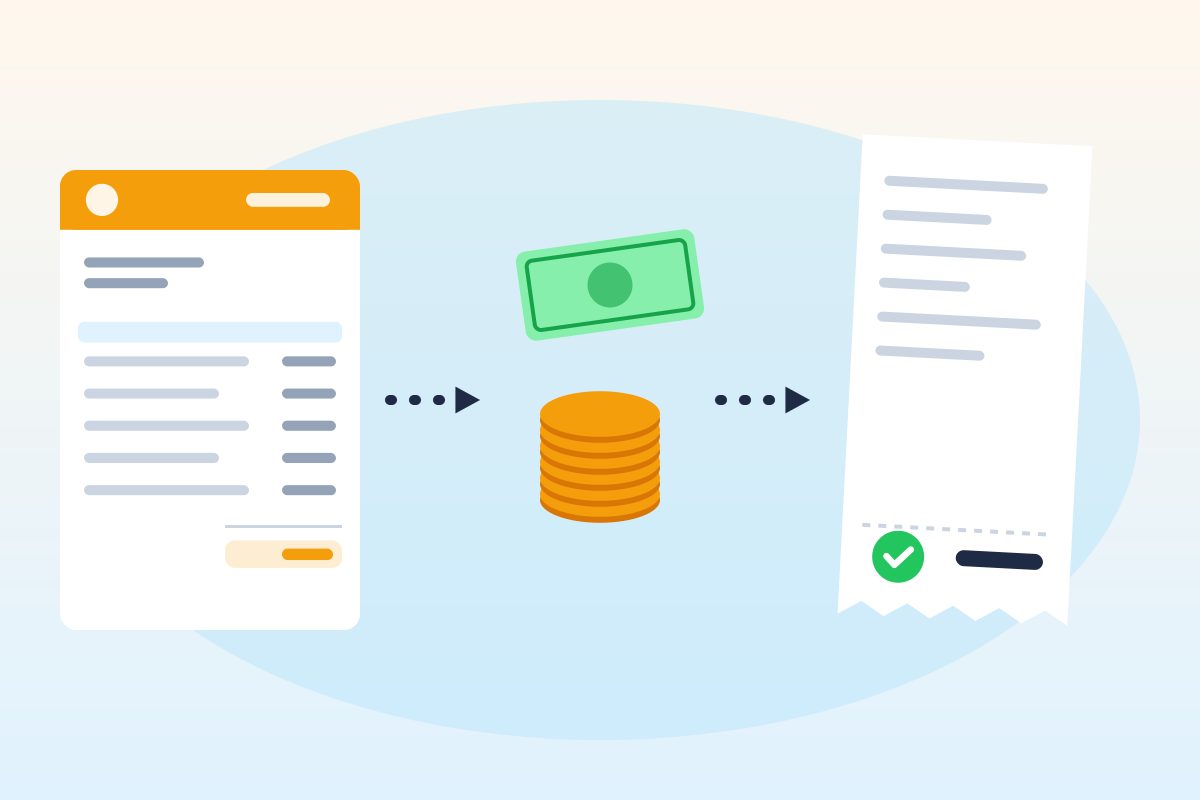
Deposits trip people up because money changes hands before the work. The cleanest sequence:
- Send a deposit invoice (or a quote with the deposit amount) so the customer knows exactly what to pay and when.
- Give a receipt once the deposit is paid, showing the amount, date, and method.
- On the final invoice, list the deposit as a payment received, with its date, and show the balance due.
That way the customer never wonders whether the deposit was counted, and your records show the full payment trail. Some states limit deposits on home improvement contracts, so check your state's rules before setting an amount. For larger jobs with several payments, see Progress Billing for Contractors.
Paid invoice vs. receipt
Many small businesses skip a separate receipt and send the original invoice marked Paid, with the payment date, amount, and method. That works well when the invoice is paid in full. For partial payments, a receipt (or an updated invoice showing the payment and remaining balance) is clearer.
Recording payments is the step most people skip. SnipInvoice lets you record each payment you receive (cash, check, bank transfer, or a card payment you took outside the app) against the invoice, so the invoice shows what's paid and what's still due. SnipInvoice doesn't process card payments itself; you record what you've collected. See how it works.
Example: one job, an invoice and a receipt
All names, numbers, and prices below are fictional examples, not pricing guidance.
The invoice
Example Home Services (fictional) · 3 Sample Ct, Anytown, USA · License #EXAMPLE-S000
Bill to: Alex Example · Invoice #: 1310 · Date: Feb 10 · Due: Feb 17
| Item | Qty | Rate (example) | Amount (example) |
|---|---|---|---|
| Labor: replace garbage disposal | 1.5 hrs | $80.00 | $120.00 |
| Garbage disposal, 3/4 HP | 1 | $210.00 | $210.00 |
| Service call | 1 | $60.00 | $60.00 |
| Subtotal | $390.00 | ||
| Sales tax on materials, example rate 6% | $12.60 | ||
| Total | $402.60 | ||
| Balance due | $402.60 |
The receipt (partial payment)
Example Home Services (fictional) · Receipt for Invoice #: 1310
Date paid: Feb 10 · Amount received: $200.00 · Method: cash
Remaining balance: $202.60, due Feb 17
Example only. Taxability depends on your state.
Receipts and your records
Both documents matter for taxes. Invoices show what you billed; receipts, bank deposits, and payment records show what you actually collected. The IRS lists invoices and receipts among the supporting documents small businesses should keep; see Recordkeeping. For a filing system, see Invoice Numbering and Record Keeping.
On the expense side, keep the receipts and supplier invoices you receive for materials, tools, and fuel. They support your deductions.
This article is general information, not legal or tax advice.
Related documents you may hear about
- Quote or estimate: sent before work to propose a price. Quotes in SnipInvoice are free on every plan.
- Change order: updates scope and price mid-job. See How to Write a Change Order.
- Credit memo: reduces what a customer owes, for a return or a billing correction.
- Statement: a summary of all invoices and payments for a customer over a period, useful for commercial accounts.
- Lien waiver: a document giving up lien rights in exchange for payment. See What Is a Lien Waiver?
Common mistakes
- Sending a receipt when you meant to bill. The customer may think they've already paid.
- No receipt for cash. That's how "I already paid you" disputes start.
- Partial payments with no updated balance. Always show what's left.
- Calling an invoice a receipt or a receipt an invoice. Use clear titles.
- Not tying the receipt to an invoice number. Matching payments gets messy fast.
FAQ
What is the difference between an invoice and a receipt?
An invoice requests payment before it's made; a receipt confirms payment after it's made.
Can an invoice be used as a receipt?
Yes, if it's marked "Paid" and shows the payment date, amount, and method. For partial payments, show the remaining balance too.
Do I need to give a receipt for every payment?
It's good practice, especially for cash and partial payments. Some customers need receipts for their own records or reimbursements.
What should a receipt include?
Your business name, the date paid, amount, payment method, what it was for (invoice number), and any remaining balance.
Is a receipt required for taxes?
You need records that support your income and expenses. Receipts, invoices, and bank records all help; see IRS recordkeeping guidance.
What comes first, the invoice or the receipt?
The invoice. The receipt follows once the customer pays.
Bill clearly, then confirm clearly
An invoice says "here's what you owe." A receipt says "thanks, you paid." Use both, tie them together with the invoice number, and your customers and your books will stay in sync. To create invoices and record payments in one place, try SnipInvoice. Plans start free with 3 invoices a month.
Keep reading
Invoicing Guides
Appliance Repair Invoice Guide: Diagnostics & Parts
Appliance repair invoice guide: how to bill diagnostic fees, parts and labor, multi-visit repairs and warranties, with a sample appliance repair invoice.
Invoicing Guides
Pool Service Invoice Guide: Routes, Chemicals & Repairs
Pool service invoice guide: how to bill weekly pool maintenance, chemicals, repairs, openings and closings, with a sample pool service invoice and FAQs.
Invoicing Guides
Pest Control Invoice Guide: Treatments & Service Plans
Pest control invoice guide: what to include, application records, one-time treatments vs service plans, re-services, with a sample pest control invoice.