
Blog / Getting Paid
How to Invoice From Your Phone on the Job Site
Why same-day invoicing helps contractors get paid sooner, what to set up first and a step-by-step way to create and send an invoice from your phone.
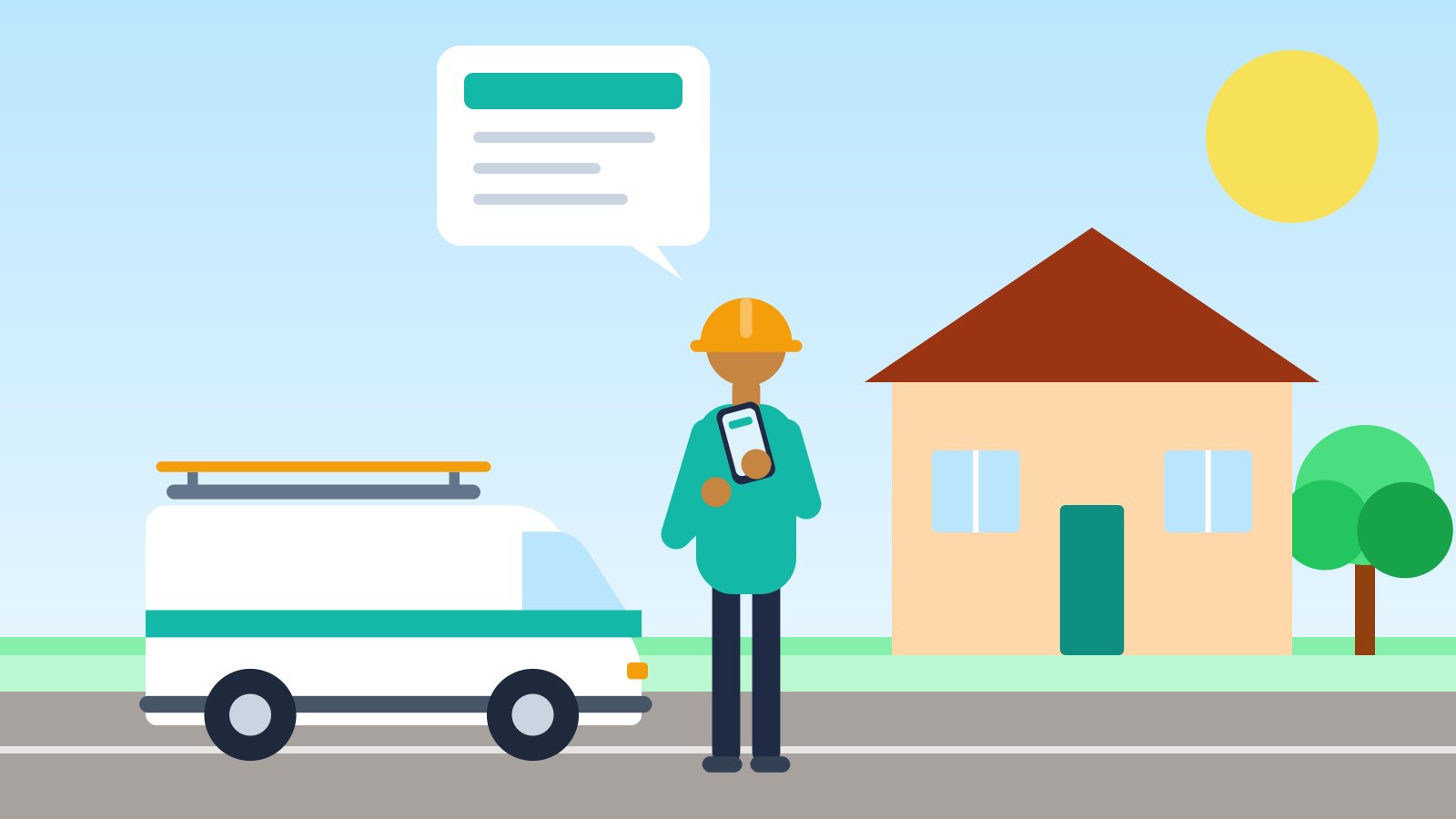
For a lot of tradespeople, invoicing happens at the kitchen table at 9 p.m., or on Sunday, from a pile of notes and receipts. By then the details are fuzzy, the customer has moved on, and the money is further away than it needs to be.
There's a better habit: invoice from the job site, on your phone, before you leave. This guide explains why same-day invoicing matters for contractors and service businesses, what to set up first, and a simple step-by-step workflow for creating and sending an invoice from your phone in a few minutes.
Why same-day invoicing matters
You get paid sooner
The payment clock can't start until the customer has the invoice. If your terms are "due on receipt" and you invoice a week late, you've given every customer an extra week. Across a busy month, that's a real hit to your cash flow. The SBA puts tracking receivables and cash at the center of managing a small business's finances (SBA: Manage your finances), and invoicing promptly is the simplest way to keep receivables moving.
The invoice is more accurate
Right after the job, you remember the extra fitting, the second trip to the supply house and the 30 minutes you spent tracing a bad circuit. Three days later, some of that gets left off, and you're the one who pays for it.
The customer is still there
If the homeowner is standing in the kitchen when the invoice lands, questions get answered on the spot. "What's this line?" takes 20 seconds to explain in person and three phone calls to explain next week. Many customers will pay right then.
It looks professional
A clean, itemized invoice that arrives before you've packed the truck tells the customer you run a real business. That matters for reviews, referrals and repeat work.
Your evenings come back
Every invoice you finish on site is one fewer chore waiting at home.
Paper vs. end-of-day vs. on-site phone invoicing
| Paper invoice book | End-of-day / weekend | On-site, from your phone | |
|---|---|---|---|
| When the customer gets it | On the spot (if legible) | Hours to days later | Before you leave |
| Accuracy | Depends on handwriting and math | Details forgotten | Details fresh |
| Copy for your records | Carbon copy, easy to lose | Digital | Digital, numbered |
| Professional look | Basic | Good | Good |
| Time cost | Low on site, high later for bookkeeping | High, after hours | A few minutes on site |
What to set up before your first on-site invoice
Ten minutes of setup makes every invoice faster afterward.
Your business profile
- Business name, address, phone and email
- License number and tax ID, if you use them on invoices
- Logo
Your prices
Save the services and parts you charge for most often: service-call fee, hourly rate, common fixtures, standard flat-rate tasks. Picking a saved price is faster and more consistent than typing it fresh every time.
Your tax settings
Sales tax rules for contractors vary widely by state and sometimes depend on whether the property is residential or commercial. In Texas, for example, residential repair and remodeling labor isn't taxable, but repair and remodeling of commercial property is (Texas Comptroller, Publication 94-116). Learn your state's rules (your state revenue department or accountant can help), then set up your rates and know which kinds of lines are taxable. Remember that the rate generally depends on where the job is.
Your payment terms
Decide your default terms ("Due on receipt," "Net 15") and the payment methods you accept, so they print on every invoice without extra typing.
How to invoice from your phone: step by step
- Finish the walkthrough. Confirm the work with the customer and note anything they declined.
- Open your invoicing app and pick or add the customer. Include the job site address if it differs from billing.
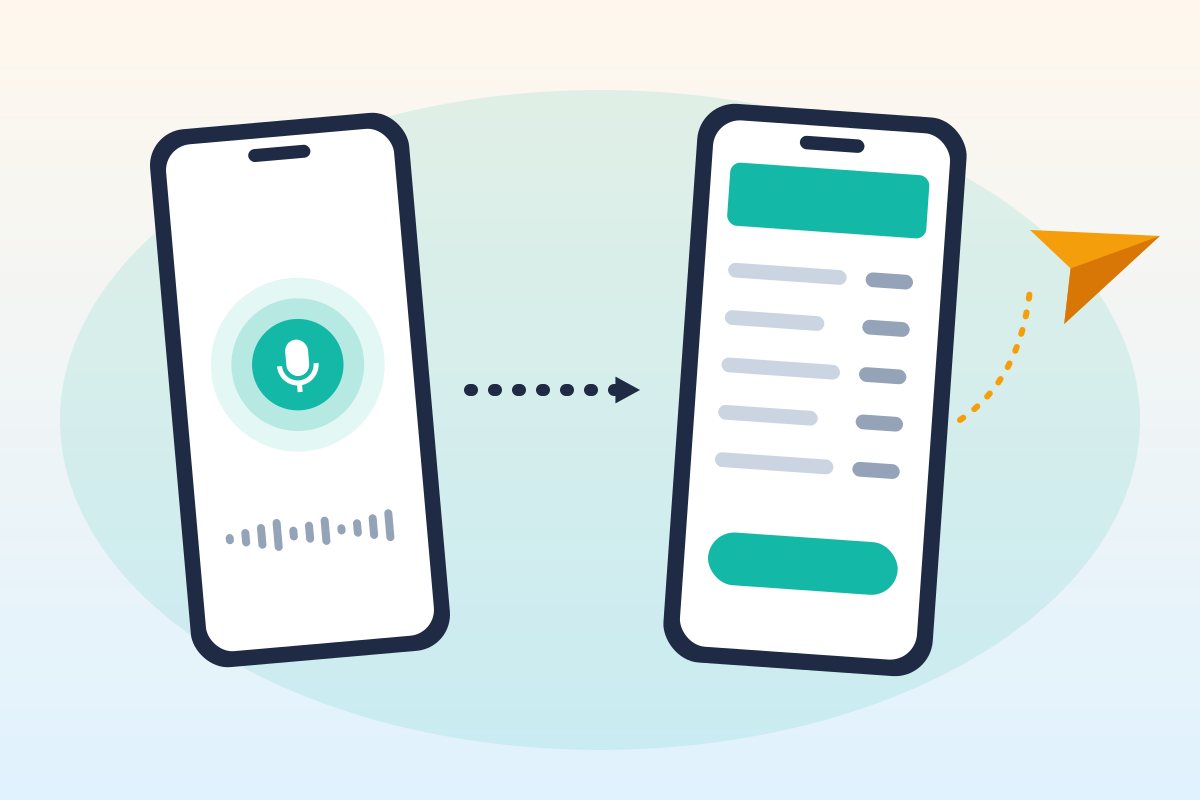
- Add the work. List labor, parts, fees and any discounts as separate lines. Talking it through out loud ("Replaced the garbage disposal, one and a half hours labor at ninety-five an hour, disposal unit one-eighty-nine") is often faster than typing on a small screen.
- Check every line. Quantities, prices, tax on each line, and the total. This is the most important step.
- Subtract any deposit the customer already paid.
- Create the invoice and share it. Send the PDF by text or email while you're still on site.
- Record payment if they pay now. Cash, check or card, write it down against the invoice immediately so your records match your bank deposits.
Tips for invoicing in the field
- Do it before you pack up. Once the tools are in the truck, the next job starts pulling at you.
- Find a quiet spot if you're dictating. The cab of your truck works better than next to a running compressor.
- Say prices out loud clearly, including units: "two hours at ninety-five an hour," not just "two hours."
- Use a short work summary. One or two sentences at the top ("Replaced failed disposal, tested, no leaks") answer most questions before they're asked.
- Never send without reviewing. A wrong price that reaches the customer is far harder to fix than one you catch.
- Don't edit sent invoices. If something's wrong, void it and issue a corrected invoice, so your records show exactly what each customer received.
- Keep your phone backed up. Your invoices are business records.
Digital invoices are still business records
Invoicing from your phone doesn't change your recordkeeping duties. The IRS says the requirements that apply to paper books and records also apply to electronic records (IRS: What kind of records should I keep). The IRS generally says to keep records that support your tax return for at least 3 years, and longer in some situations (IRS: How long should I keep records?).
Practical habits:
- Use an app that numbers invoices in sequence and keeps a copy of every one you send.
- Export your invoices regularly and store the file somewhere safe.
- Keep proof of payment (deposit records, check images) alongside each invoice.
What a job-site invoicing app should do
If you're choosing a tool for on-site invoicing, look for:
- Fast entry: voice or quick typing, plus saved prices
- A review step before anything becomes a final invoice
- Per-line tax, so materials and labor can be treated differently
- PDF invoices you can send by text or email
- Sequential invoice numbers and a locked copy of what was sent
- Payment tracking, including partial payments
- A way to export all your data
That checklist is what SnipInvoice was built around. In the app, you say who the job was for, what you did and what it cost (or type it), and it drafts the invoice. A price you didn't say stays at $0 and is flagged as needing a price; it isn't invented. You review the draft, create the invoice, and share the PDF from your own phone by text, email or any app your phone can share to. SnipInvoice doesn't store your voice recordings; it keeps the text transcript so you can see what the draft was built from.
FAQ
Can I really invoice a customer from my phone?
Yes. Many invoicing apps let you create an itemized invoice on your phone and send it as a PDF by text or email, often in a few minutes.
Is it professional to text an invoice?
Yes, as long as the invoice itself is clear and professional. Many customers prefer a text with a PDF because it's easy to find and pay. Use email for commercial customers who need invoices sent to their accounts-payable inbox.
What should I check before sending an invoice from the job site?
The customer name and address, every line's quantity and price, which lines are taxable, any deposit subtracted, the total, and the due date.
Do I need to keep copies of invoices I send from my phone?
Yes. Electronic records are subject to the same IRS recordkeeping requirements as paper. Keep copies and proof of payment, and back them up.
Leave every job with the invoice already sent. SnipInvoice is launching soon on iOS and Android. See how it works.
Keep reading
Getting Paid
Retainage in Construction: How to Invoice & Get It Back
Retainage in construction explained: typical percentages, how to show retainage on progress invoices, how to bill its release, and how to get paid faster.
Getting Paid
What Is a Lien Waiver? 4 Types Contractors Should Know
What is a lien waiver? Learn the four types, conditional vs unconditional, when to sign each, and how lien waivers fit with your progress invoices.